
The Best Cloud Backup Services for Remote Workers

Choosing the Right Cloud Backup Service as a Remote Worker
I don’t usually start with something so personal, but a couple of years ago my father in-law nearly lost his business due to a flood. This would be understandable to most people if his business was next to a river and his product physical, like timber or carrots. However, he’s an accountant, and the flood was a burst pipe from the apartment above.
It was just unfortunate that both his laptop and PC were badly damaged from the water. Even though it was clean water, the brown stuff still hit the fan. To cut a long story short, he lost a couple of his big, time-sensitive contracts all because the files that he needed were unrecoverable.

you never know what’s going to happen…
Why Cloud Backup Beats Cloud Sync for Remote Workers
Ever since then, I’ve been vigilant to keep a cloud backup of all my important files (I personally went with Backblaze because of its simplicity). The thing is, it’s actually quite easy to do and not at all expensive. Just don’t confuse your cloud syncing services like Google Drive, OneDrive or DropBox with a Cloud Backup service as they are designed with different uses in mind.
Cloud backup services for remote workers are a God send! Ok, not “technically” sent by God, but close enough. The big advantage over traditional backup hardware is that as your important data is stored in a professional data centre, it’s safe from fire, theft or a burst water pipe!
And if you’re on the road, there is always an increased risk of theft, loss or an airline that gets creative with your luggage. If you don’t have a backup plan, that can cause big problems. Saving the files to a local external hard drive and to the cloud really takes the worry out of it. No matter what happens, you can get back to working pretty quickly.
Recommended Cloud Backup Services for Remote Workers
Here, we’ve compiled our best cloud backup services for remote workers. They all offer slightly different options, so you can find one just right for you
| Service | Starting Price | Storage | Best For |
|---|---|---|---|
| IDrive | ~$70 first year | 5TB | Backing up several devices under one account |
| Backblaze | $9/month | Unlimited | One computer with a large amount of data |
| Internxt | Plans from ~1TB, annual or lifetime | 1TB+ | Privacy and zero-knowledge encryption |
| pCloud | Plans from ~500GB, annual or lifetime | 500GB+ | File versioning on a smaller backup |
| Carbonite | ~$7/month (annual) | Unlimited | One computer, simple setup |
1. IDrive
IDrive is hugely popular and you can see why pretty quickly. It has a web-based console that allows you access quickly from any device. Sorry, correction; your 1981 Atari won’t work, but all modern devices connected to the internet are good to go.
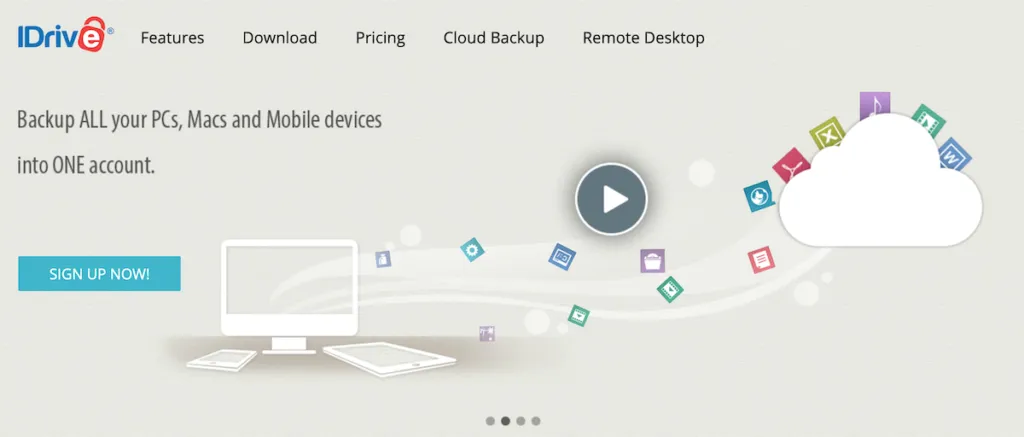
You can backup multiple devices including PCs, Android and Apple gadgets all to a single account and there is a continuous backup running, which means as files are changed, it gets updated practically in real-time. They have a free option for up to 5GB to test the service and offer well-priced yearly plans, often with a discount on the first year.
One of the big features that I like about IDrive is that should disaster strike, then they will send you a physical version of your backup within a week of you requesting it. Not only will this save you bandwidth, you get to imagine, for a moment, that someone has sent you a wonderful gift! Okay, is that just me then?
2. Backblaze
We all want to make our lives easier and worry less. The King of cloud backups, Backblaze is huge because of its simplicity. Simple pricing structure and simple software. Simple, simple, simple. Try Backblaze for free here.
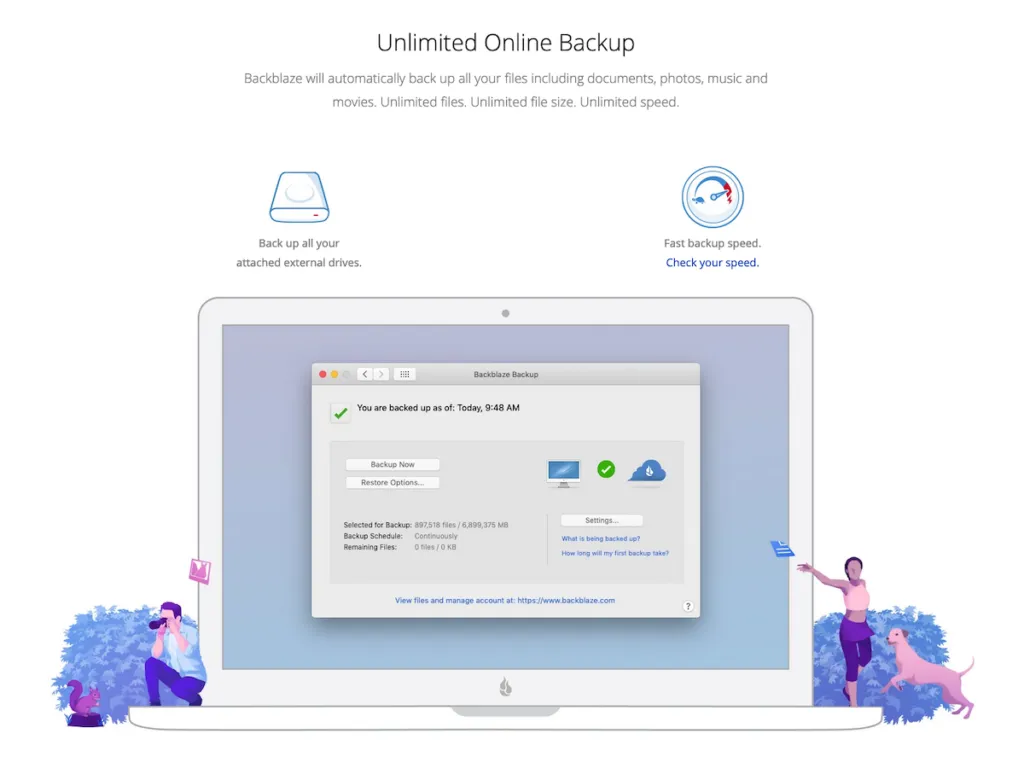
If you’re looking to back up just one machine (+ external hdds), then this is probably for you, as their pricing is per computer. There are absolutely no limits on the amount of data that is backed up or on the bandwidth, so big ticks in my imaginary book. This makes it a great choice as a cloud backup service for videographers and other professionals who have a lot of data to back up.
On the initial installation, all your files are backed up, and then files are updated thereafter. Backblaze usually keeps all versions for 30 days, so you can retrieve an earlier version quickly and easily. That also means you have to connect any external drive you want to be protected at least once in that timeframe. There is a paid option to extend this data retention period to 12 months.
Furthermore, they can send you a hardcopy version and will refund you if you return the drive within a month. Refund is my second favorite word, behind residual-earnings.
3. Internxt
The service we used to recommend in this spot, SpiderOak, has moved on entirely: it’s now a zero-trust security company selling to robotics, defense, and industrial clients, and no longer offers a consumer backup product at all. If privacy and no-knowledge encryption were what drew you to that recommendation, Internxt covers the same ground today.
Internxt is a European, GDPR-compliant provider built around zero-knowledge, post-quantum encryption, meaning not even Internxt can see what you’ve stored. The codebase is open-source and independently audited, which is a meaningful trust signal for a company holding your backups. Plans run annual or one-time lifetime purchases rather than a flat monthly fee, starting around 1TB and scaling up from there.
It’s a good fit if privacy is your primary concern and you’re comfortable with an annual or lifetime payment structure rather than month-to-month billing.
4. pCloud
SOS Online Backup, the service that used to hold this spot, has quietly stopped taking on new individual customers. Its homepage now only offers support to existing account holders and points new signups to enterprise sales, so it’s no longer something you can actually sign up for as a remote worker.
pCloud is a solid replacement for the same niche: a smaller, more affordable plan with genuine file versioning built in, so you can restore an earlier draft of a file rather than just recovering the latest backup. It’s based in Switzerland and offers optional client-side encryption as an add-on, along with 256-bit AES encryption on transfers by default.
Plans are sold as monthly, annual, or one-time lifetime purchases starting around 500GB, which makes it a reasonable pick if you don’t need Backblaze’s unlimited storage and want simple version history instead.
5. Carbonite
Carbonite are known for being safe, reliable and easy to use and they take all three very seriously. This explains why they have more than a million customers and growing. Carbonite has been part of OpenText’s cybersecurity division since 2019, but the personal backup product itself hasn’t changed materially.
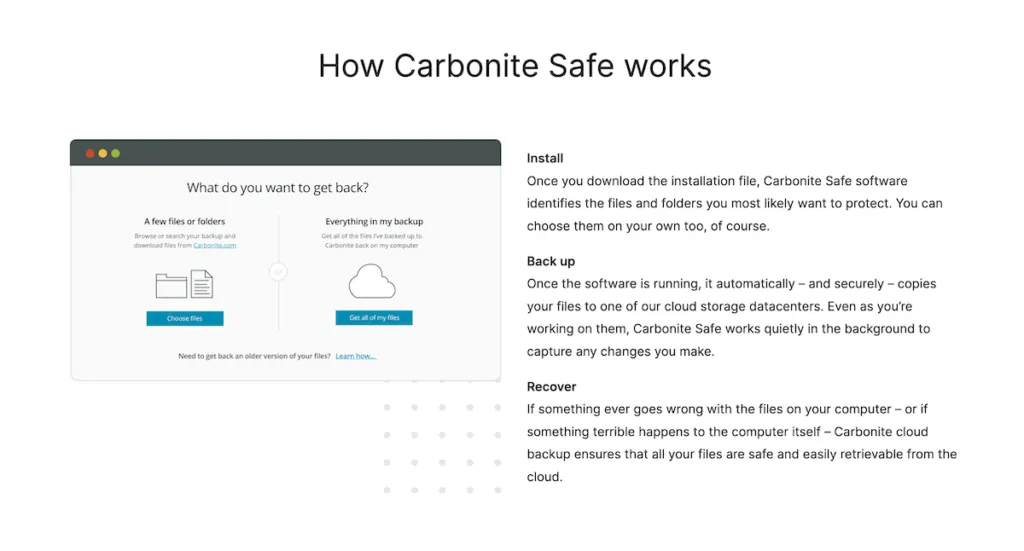
They allow for an unlimited amount of data to be backed up from a single computer, multiple computers and even servers at various pricing. They also take care of mobile phones and unbelievably, support Blackberry, for those of us not happy to move on from 2004.
So, Which Cloud Backup Service Should You Choose?
Ironically, halfway through writing this article, my computer decided to test my patience, shutdown and then gave me the “blue screen of death”. I laughed at my stupid computer and continued writing on my IPad. All because it was being backed up while I wrote. Is doing a “nan-nan nanna” to a computer too childish? It is, but I did it anyway.
I recommend going with IDrive or Backblaze.
IDrive is the better choice if you don’t need unlimited backup size (5TB is more than enough for most people) and have multiple devices you want to back up. Backblaze is the better choice if you have a lot of files and want to back up your work computer + external hard drives.

So there you go. Do yourself a favor and setup your cloud backup service now. It will go a long way in making your life easier. No more fear of ransom-ware attacks or computer malfunctions, as you’ll be safe in the knowledge that your data is elsewhere, in a cloud, with a rainbow.
Backup covers the data, but not the laptop itself, if your gear gets stolen while you’re traveling, our guide on recovering from getting robbed while traveling and the laptop insurance section of our insurance guide cover the other half of that risk.