
How To Make Better Calls In Noisy Environments

The trouble is quite real when you have an important call to attend to and you just can’t make out the conversation because it is so noisy around you.
Background noise can be a critical problem for professionals who need to communicate but are constrained by noisy environments. While it is common sense to move away from the source of noise to have a clearer conversation, it may not always be possible. Sometimes you get caught at the airport, in a cafe, or with screaming kids running around you.
This is when the right hardware and software choices can make all the difference. Here are some tips to help you.
If you just want the short version:
| Situation | What to try | Cost |
|---|---|---|
| Any noise, before buying anything | Voice Isolation (Apple), NVIDIA Broadcast, or your call app’s built-in suppression | Free |
| Working from the same loud room daily | Samson Q2U dynamic mic | ~$70 |
| Dedicated desk, calls all day | Poly EncorePro HW520 corded headset | ~$160 |
| On the move, airports and cafes | Sony WF-1000XM6 or AirPods Pro 3 | $249-330 |
| Hands-free, walking and talking | Poly Voyager 5200 | ~$90-100 |
| Noise on both ends of the call | Krisp (cleans incoming and outgoing audio) | $8-16/mo |
Try These Free Fixes Before You Buy Anything
Before spending money on new gear, a few free changes often fix most of the problem:
- Mute yourself whenever you’re not talking. This is the single biggest thing most people skip, and it stops background noise from reaching the call at all during the parts where you’re just listening. Zoom’s shortcut is Alt+A (Windows) or Cmd+Shift+A (Mac); Teams uses Ctrl+Shift+M (Windows) or Cmd+Shift+M (Mac).
- Move the mic closer to your mouth and turn down the input gain. A microphone 2-4 inches from your mouth needs far less gain to pick up your voice clearly, and lower gain means it’s also picking up less of the room around you. This matters more than most people expect: a mic set too far away, boosted too high, will amplify background noise right along with your voice.
- Turn your body and your microphone away from the noise source. Most laptop and phone mics are directional enough that facing away from traffic, an espresso machine, or a loud conversation makes a real difference.
- Use a wired connection instead of Bluetooth when you can. Bluetooth audio has to compress and decompress your voice, which adds latency and can introduce its own artifacts in a noisy environment. A wired headset or corded mic skips that step entirely.
- Check what your device already does. On iPhone, iPad, or Mac (iOS 15/macOS Monterey or later), start a call in a supporting app like FaceTime, open Control Center, and select Mic Mode → Voice Isolation, it uses on-device machine learning to strip background noise with no extra software. On Windows with an NVIDIA RTX graphics card, NVIDIA Broadcast does the same for free, cleaning up both your microphone and the incoming audio from whoever you’re calling. Zoom, Teams, and Google Meet also have their own built-in noise suppression in the audio settings that’s worth turning on before assuming you need third-party software.
If you’ve done all that and calls are still a problem, that’s when it’s worth looking at dedicated hardware.
Good Quality Hardware
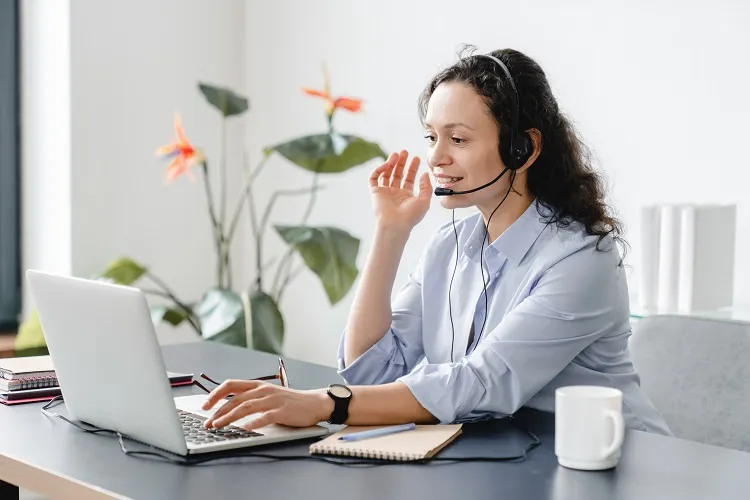
Although resorting to basics like increasing the call volume to the maximum level might work sometimes, you should invest in good quality hardware to aid in noise cancelation and enhance the quality of the call.
Microphone
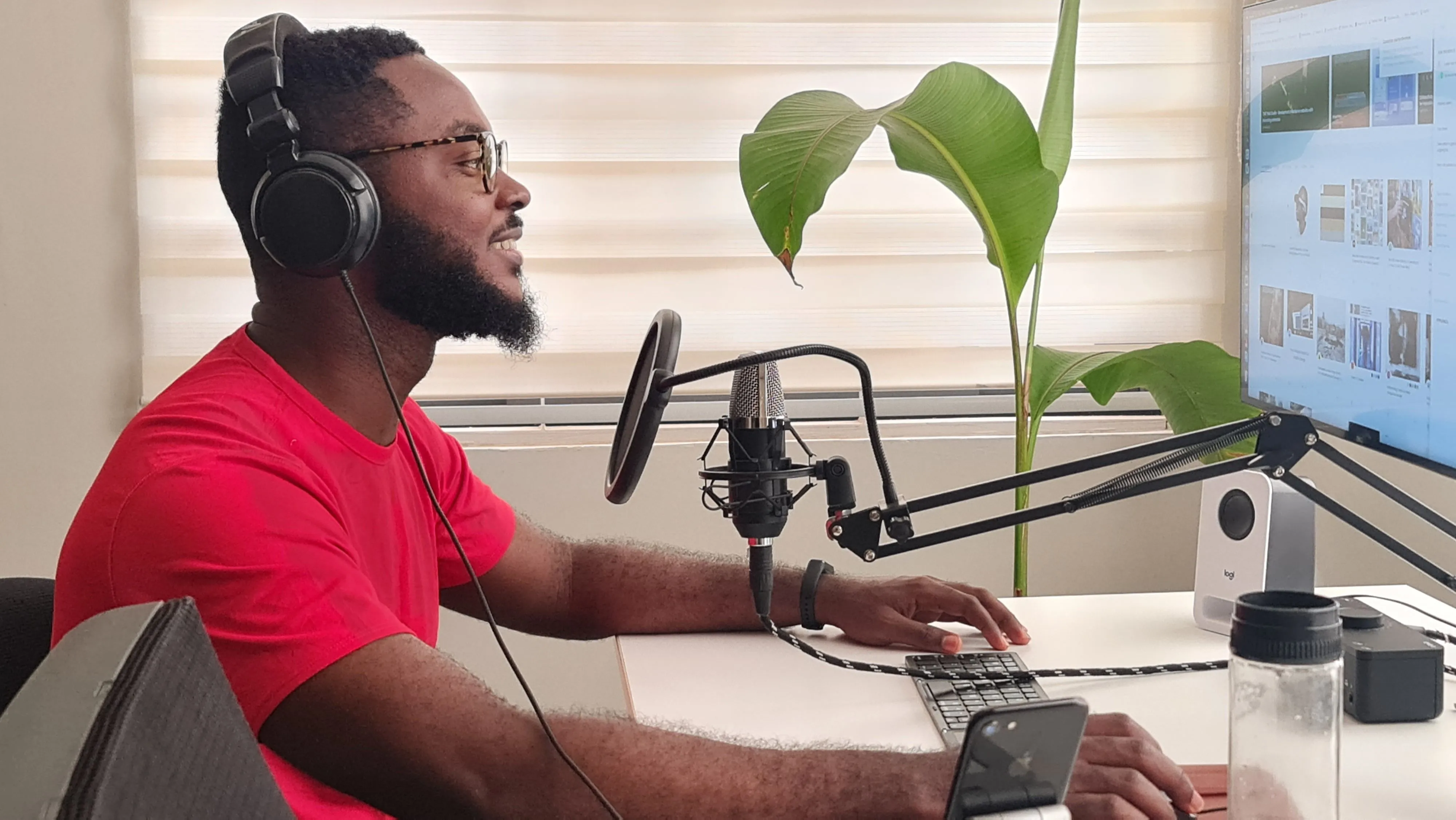
A good microphone can make all the difference in call quality, whether you’re on a video call, recording audio, or joining a conference call.
For noisy environments specifically, a dynamic microphone works better than a condenser mic, since a dynamic capsule picks up less of the room around you and more of just your voice. The Samson Q2U is a solid pick around $70: it’s a dynamic USB/XLR mic that comes with a stand and windscreen, so it’s ready to use straight out of the box. If you mostly work from a quiet room and only occasionally deal with background noise, a condenser mic will sound a little richer, but it also picks up more of whatever’s happening around you, which defeats the point here.
Headsets
Headsets provide a much closer and more secure fit to your ears and make the incoming audio sound better. Equipped with the right noise-canceling microphone, a good headset alone can make your calls trouble-free.
Plantronics, the brand behind most call-center headsets, is now sold under the Poly name after HP’s 2022 acquisition (you’ll still see “Plantronics” on some listings for search purposes). The Poly EncorePro HW520 is the current version of the corded, noise-canceling headset call centers have relied on for years, and it’s a reliable pick if you want a dedicated headset just for calls rather than general listening.
Earbuds
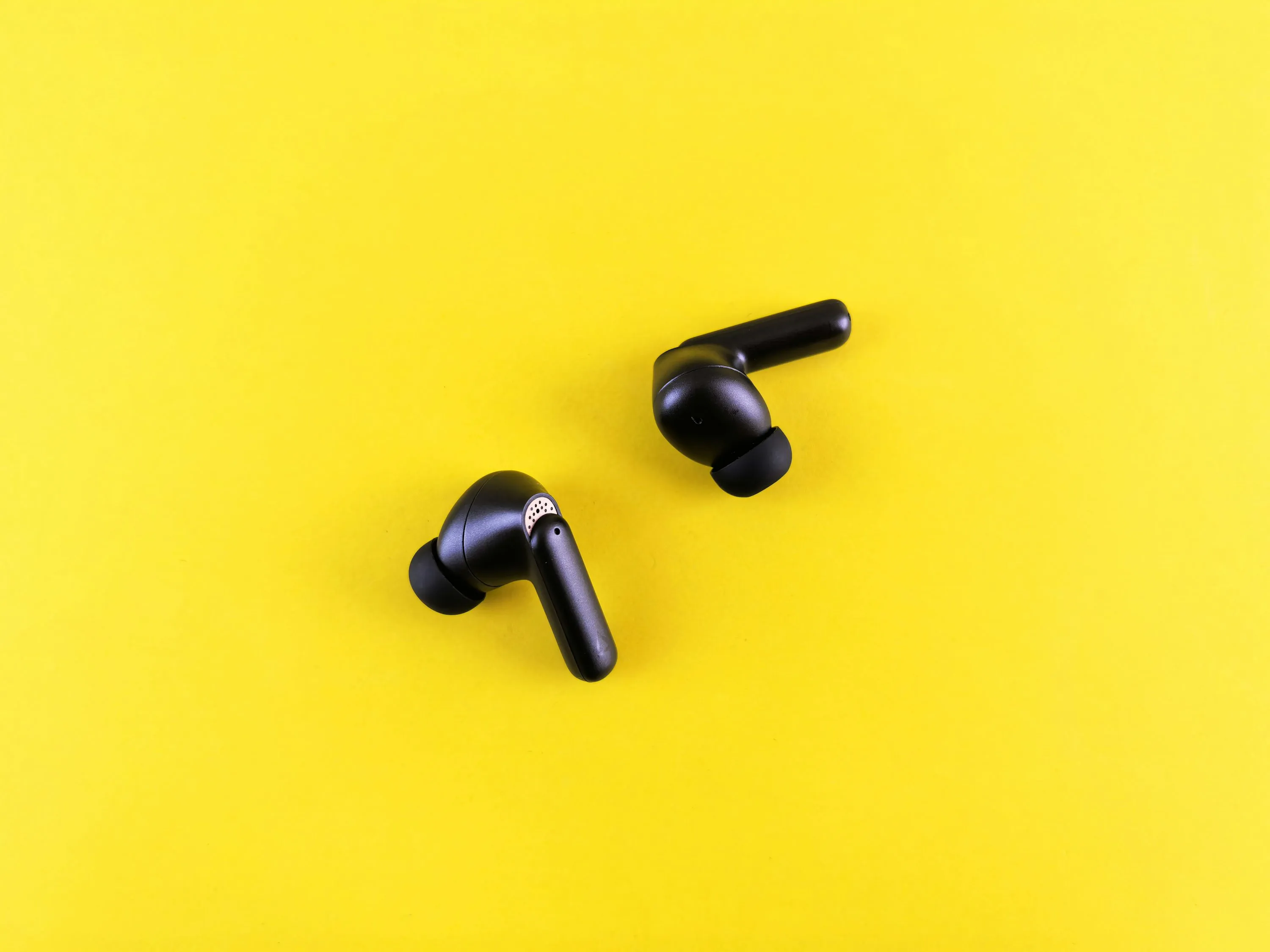
Earbuds are lightweight and comfortable to wear for long calls, and today’s noise-canceling earbuds do a genuinely good job of blocking outside noise, for you. Active noise cancellation only affects what you hear; it doesn’t clean up what your microphone sends to the other person, so pair good earbuds with one of the microphone or software fixes above if the room noise on your end is the actual problem.
Sony’s WF-1000XM6 ($329.99, though it’s gone on sale closer to $298 since launch) is the current flagship, with noise cancellation and call clarity that hold up well even in loud rooms. Apple’s AirPods Pro 3 ($249) is the obvious pick if you’re already in the Apple ecosystem, with roughly double the noise cancellation of the previous generation.
Bluetooth Headsets
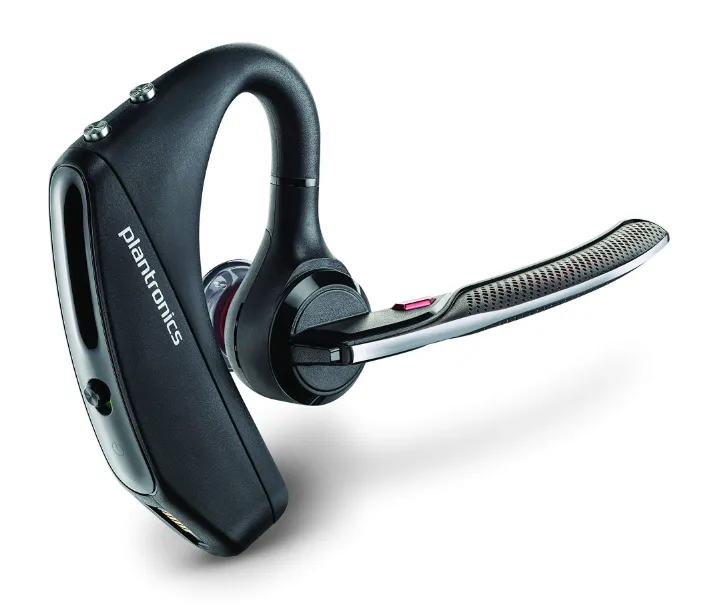
Bluetooth headsets make it easy to take long calls hands-free. Choose one with noise-canceling qualities so you can hear and be heard clearly.
The Poly Voyager 5200 (still sold under the Plantronics name on some listings) remains one of the top choices, with an ear-hook design for a close fit and mic quality that holds up well on calls. Jabra used to have a budget single-ear option in this category, the Talk2, but Jabra has since exited the mono Bluetooth headset market entirely to focus on business and UC products, so there isn’t a direct low-cost alternative from a major brand right now.
Bluetooth Hearing Aids
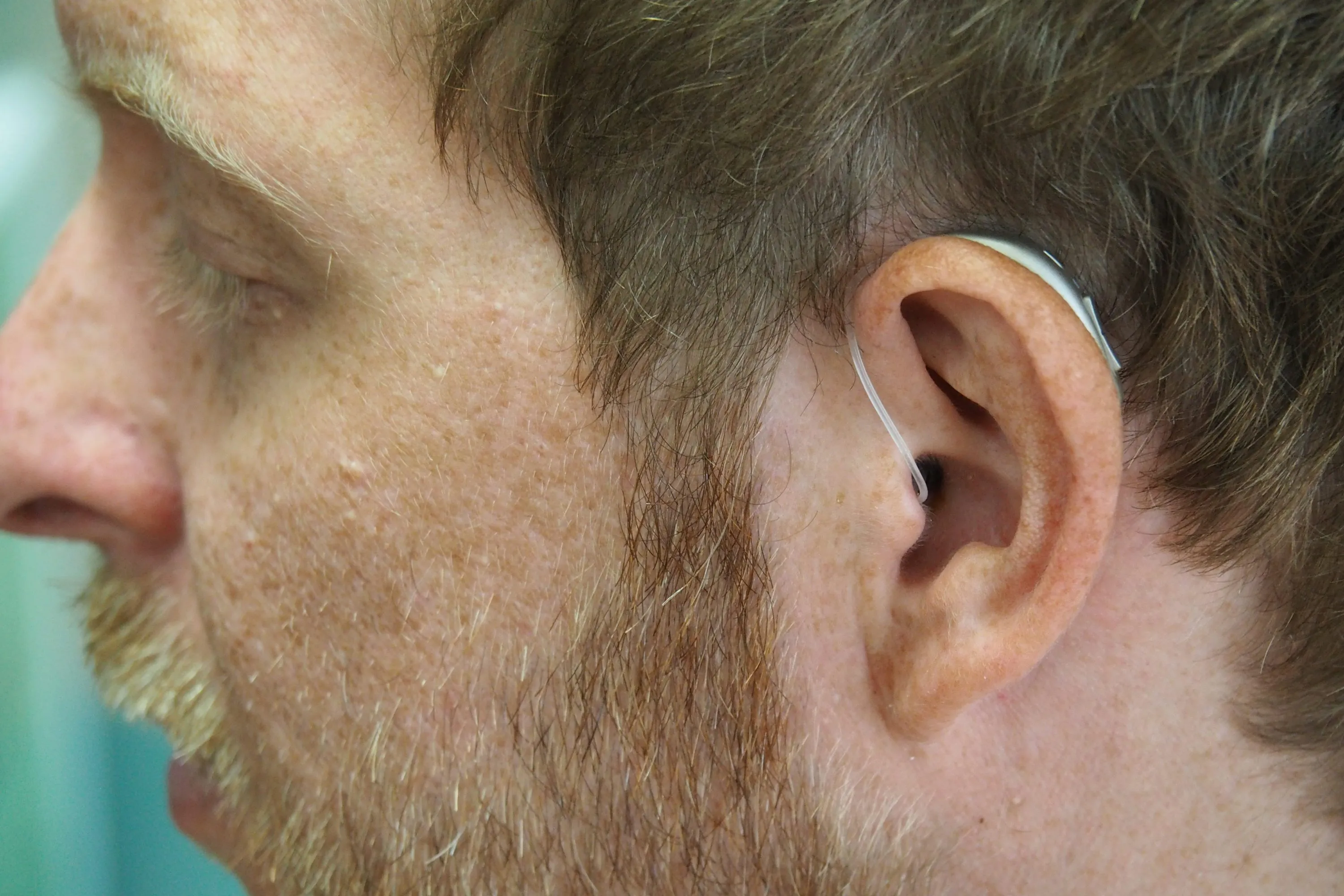
If you’re hard of hearing, Bluetooth-capable hearing aids can help on calls too, and the market here has changed a lot since the FDA allowed over-the-counter hearing aids in 2022. The Sony CRE-E10 is a self-fitting OTC option, no prescription or audiologist visit required, that streams calls and music directly over Bluetooth, which makes it worth a look specifically for this use case rather than a general hearing aid.
Apps to Block Background Noise
Whether you use your phone or your computer to make a call or record audio, software can filter out background noise on both sides of the conversation, cleaning up what your mic sends out and what you hear coming in from a noisy caller on the other end.
Krisp is still the best-known option here, though it’s changed shape since it started: it’s no longer just a noise-cancellation plugin but a full AI meeting assistant with note-taking and transcription built in. The free tier is now a 7-day trial rather than an ongoing free allowance, and the paid Core plan runs $16/month ($8/month billed annually). It still works across hundreds of calling, streaming, and recording apps.
It’s worth checking what you already have first, though. Zoom, Microsoft Teams, and Google Meet have all added their own built-in background noise suppression over the past few years, covering a lot of the same ground Krisp used to be the only option for. If audio is only half your problem, our tips for making better video calls covers the rest, lighting, background, and choosing the right app.
Backup Options for When the Noise Still Wins
Sometimes nothing above is enough, a flight announcement, a jackhammer outside, a toddler mid-meltdown. For those moments, it helps to have a fallback that doesn’t depend on audio quality at all:
- Turn on live captions. Zoom, Teams, and Google Meet all offer built-in live captions, so you can follow along by reading if the audio cuts out or gets swamped by noise, and most will save a transcript afterward so you’re not relying on memory for what you missed.
- Dial in over a phone line instead of the app’s internet audio. Every major meeting link includes a phone dial-in number alongside the video link. If you’re on unstable wifi in addition to being in a loud place, a regular cellular call often comes through clearer, since cellular voice codecs are built specifically to prioritize the voice frequency range over a fluctuating connection in a way general internet audio isn’t.
Layer Your Setup, Don’t Just Rely on One Fix
None of these fixes work in isolation forever. The right hardware picks up less noise to begin with, and noise-canceling software cleans up whatever gets through anyway, so the best results come from combining both rather than betting everything on one purchase. If the noise is a long-term problem rather than an occasional one, a shared apartment, an office next to a busy street, it’s worth also looking at acoustic panels or other noise-absorbing treatments for the room itself.
Frequently Asked Questions
Do Noise-Canceling Headphones Stop the Other Person From Hearing My Background Noise?
No, and this is the most common mix-up on this topic. Active noise cancellation in headphones or earbuds only cancels the noise you hear; it has no effect on what your microphone picks up and sends to the other person. If the goal is to stop your background noise from bothering whoever you’re calling, you need a good microphone, a noise-canceling headset mic, or software like Krisp, not just ANC earbuds.
Is Software Like Krisp Worth It If I Already Have a Good Microphone?
It depends on how loud your environment actually is. A dynamic microphone and good mic technique will handle moderate background noise on their own, and Zoom, Teams, and Google Meet’s built-in suppression covers a fair amount beyond that for free. Paying for Krisp specifically makes sense if you’re dealing with noise louder or more unpredictable than that (open coworking spaces, a busy household) or if you want it to clean up incoming audio from callers who don’t have any of this figured out themselves.
Do I Need a Dedicated Headset, or Is a Standalone Microphone Enough?
A standalone microphone is usually the better choice if you’re mostly at one desk and want the best voice quality, since a good dynamic mic setup sounds more natural than most headset mics. A headset earns its keep when you need your hands free, move around during calls, or want the physical isolation of something over or in your ears in addition to a working microphone. Plenty of people who work from one location just use a good mic and skip the headset entirely.