
Can Your Employer Monitor Your Work Computer? What the Law Allows and What the Software Sees
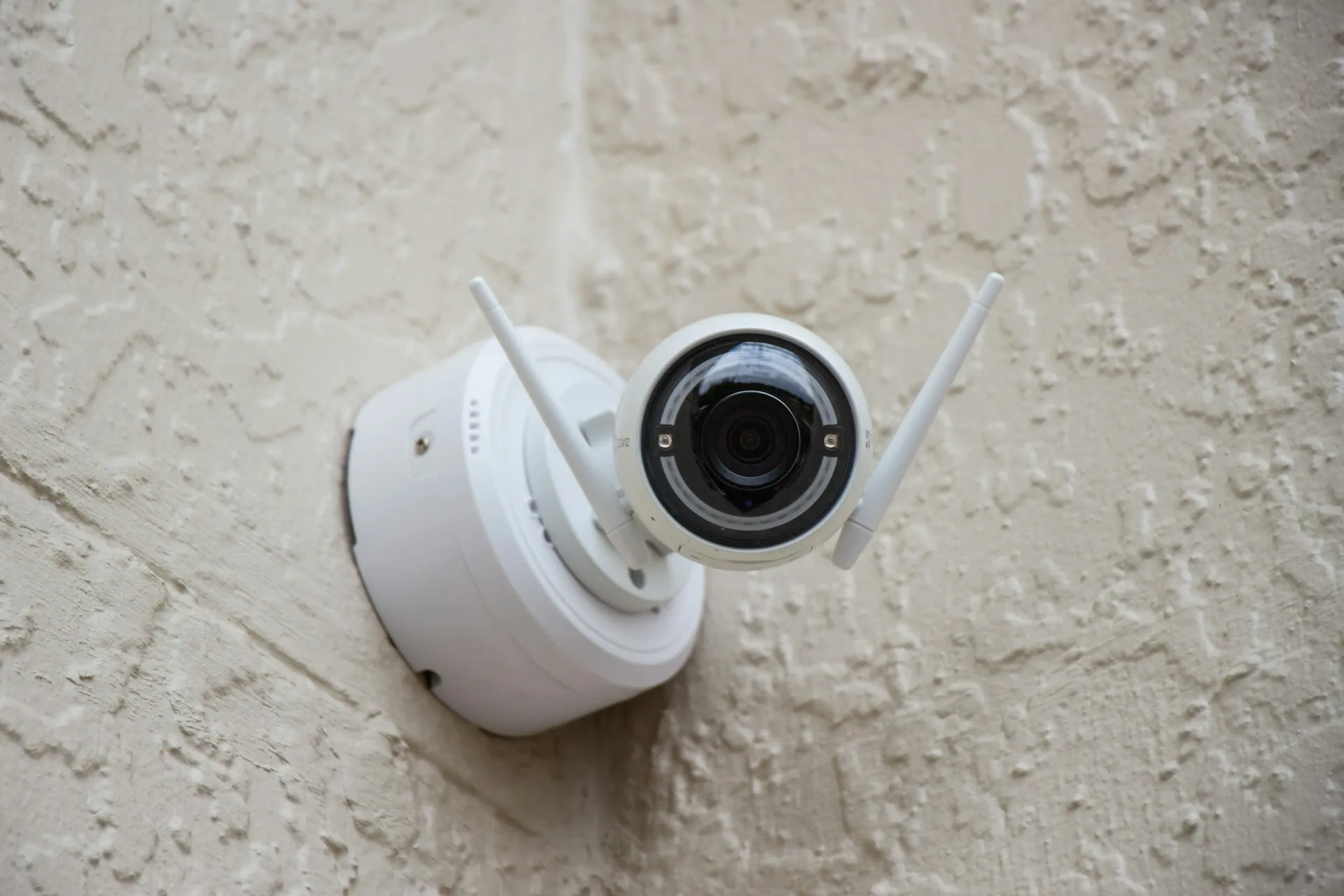
In the US, mostly yes. If the laptop belongs to your employer, federal law lets them monitor almost everything you do on it, and only four states (New York, Delaware, Connecticut and Maine) make them tell you first. In the EU and the UK the answer is much narrower: the monitoring has to be justified and proportionate, and the tools remote workers complain about most, like keystroke logging, idle-time tracking and regular screenshots, have already cost employers fines and court cases.
What follows covers what the common tools can actually capture, what US law allows state by state as of October 2026, and how to find out what your own employer is running.
What employee monitoring software can see on your computer
Most monitoring tools sit somewhere between a timesheet and a security camera. What separates them is whether they record what you type and whether they can run without you knowing. Here’s what six of the common ones say they capture, from their own feature pages:
| Tool | What the vendor says it captures | Keystrokes? |
|---|---|---|
| Hubstaff | Up to three screenshots every 10 minutes, and an activity rate based on whether keyboard or mouse input happened | No, it records that a key was pressed, not which one |
| Time Doctor | Screenshots, optional screen recording, inactive periods, apps and websites used | Not listed |
| ActivTrak | Apps and websites, productivity metrics. Screenshots are off by default and a paid add-on | No |
| Insightful | Screenshots on demand, screen video, active and idle time, alerts on apps and sites | Not listed |
| Controlio | Continuous screen recording, live view, alerts on keystrokes, USB devices and idle time. The agent can run “completely invisible for the user” | Alerts on them |
| Teramind | Keystroke logging, text recognition on your screen, live view and session playback, file, clipboard, email and chat monitoring. Can be hidden from Task Manager | Yes |
Most of these tools measure activity, meaning the fact that your mouse moved or a key went down. That’s why reading a long document or sitting on a phone call can show up as idle time. The top of the table is mostly time tracking with screenshots. The bottom is closer to surveillance, and Teramind and Controlio both sell the option of running hidden.
How common is it? In Owl Labs’ 2025 pulse survey of more than 1,000 US full-time knowledge workers, 53% said their organization uses tracking software, up from 46% the year before. Login and logout times were the most commonly tracked thing (30%). In the UK, the Chartered Management Institute found in September 2025 that about a third of employers monitor workers’ online activity.
How much can your boss see in Microsoft Teams?
Less than most people assume, if Microsoft 365 is all your employer runs.
Your Teams status turns to Away when you’ve been inactive for a few minutes or your computer locks. Anyone in your organization can see that dot, but it’s a presence indicator, not a log your manager can pull up later.
Microsoft’s Productivity Score caused an outcry in 2020 because it showed usage per named person. Microsoft removed user names from it in December 2020, and it now reports only at organization level. Viva Insights shows managers team-level figures only, for groups of at least five.
The newer feature to know about sets your work location automatically when your laptop connects to office Wi-Fi. It rolled out in June 2026, is off unless an admin enables it, only updates during working hours, and leaves you to choose whether coworkers can see it.
None of this covers what IT admins can reach through audit logs and compliance tools, which is a separate and larger question. Treat anything you do on a company account as readable.
Is employee monitoring legal in the US?
On an employer-owned computer, almost always. The federal wiretap law, the Electronic Communications Privacy Act, has two exceptions that cover most workplace monitoring. One allows interception when a party to the communication has consented, and the signed IT policy in your onboarding paperwork usually counts. The other excludes equipment used in the ordinary course of business. No single federal statute says “employers may monitor company laptops,” but courts have read these exceptions that way for decades.
What varies by state is whether your employer has to tell you. As of October 2026:
| State | What the law requires | Penalty |
|---|---|---|
| New York | Written notice when you’re hired, which you acknowledge, plus a posted notice. Covers phone, email and internet use | $500 to $3,000 per violation |
| Delaware | A daily electronic notice, or a one-time notice you acknowledge | $100 per violation |
| Connecticut | Notice naming where monitoring happens, posted there. Since October 1, 2026, new hires get it in writing before they start | Civil penalties under §31-48d |
| Maine | Notice before monitoring starts, at interview and every year. No audiovisual monitoring in your home unless the job requires it, and you can refuse monitoring apps on personal devices | $100 to $500 per violation |
Everywhere else, monitoring a company device without telling you is generally legal, though secretly reading your personal accounts can still run into other laws.
California is the state people expect to have the strictest rules, and it still has no general notice requirement. What it has is narrower:
- Since 2023, employees have the same rights as consumers under the California Consumer Privacy Act, including the right to know what personal information an employer collects.
- Three laws signed on September 30, 2026 ban specific methods. From January 1, 2027, no surveillance in workplace bathrooms and no tools that infer your emotions or collect neural data. From July 1, 2027, an employer can’t discipline or fire you on an automated system’s output alone.
One federal protection got weaker. In 2022 the National Labor Relations Board’s general counsel argued that intrusive monitoring should be presumed to interfere with workers’ right to organize. That memo was rescinded in February 2025. Watching union activity is still unlawful under existing law, but there’s no longer a push to treat broad monitoring as suspect by default.
Can your employer monitor your personal phone or your home?
This is where US law gets thin. Maine is the only state with a statute that limits monitoring in your home and lets you decline monitoring apps on your own phone. Elsewhere, the practical protection is not putting work software on personal devices in the first place.
If your employer asks you to install a management profile or a monitoring app on your own phone, ask what it can see before you agree. Device management on a phone can range from a separate work container to control over the whole device. A cheap second phone for work is often the simplest answer.
On location: California makes it a crime to put a tracking device on someone’s car, but the ban doesn’t apply when the vehicle’s owner consents, so company cars are fair game. And if you connect to a company VPN from home, assume the traffic going through it is visible to your employer.
Why the EU and UK set a much higher bar for monitoring
In Europe the starting point flips. Your employer needs a legal reason under the GDPR for every kind of monitoring, and consent rarely works, because European data protection authorities have said for years that employees can’t freely refuse their boss. That leaves the employer arguing a legitimate interest, which has to be weighed against your privacy and must be proportionate. Intrusive monitoring also needs a written impact assessment before it starts.
The EU’s data protection authorities said in their 2017 opinion on data processing at work that logging keystrokes or mouse movements, or capturing screens, while people work remotely is unlikely to be justified. Courts and regulators have since put that into practice:
- The European Court of Human Rights ruled in Bărbulescu v. Romania (2017) that an employer breached a worker’s right to private life by monitoring his messages without prior notice, and without considering less intrusive options.
- Germany’s Federal Labor Court held in 2017 that a keylogger is unlawful without a concrete suspicion of a crime or serious misconduct. The evidence it collected couldn’t be used, and the dismissal failed.
- France’s data protection authority, the CNIL, fined a small real estate company €40,000 in early 2025. Its software flagged gaps of three to fifteen minutes without mouse or keyboard activity, took screenshots at the same intervals, and the company could dock pay for unexplained idle time. The CNIL found idle time isn’t a reliable measure of work, since people take calls and attend meetings away from the keyboard.
- Amazon’s French warehouse business was fined €32 million over scanner-based productivity tracking. The Conseil d’État cut it to €15 million in December 2025, holding that some of the real-time indicators were lawful, but that keeping all of them for 31 days went too far.
The EU AI Act adds two layers. AI that infers emotions in the workplace has been banned since February 2, 2025. AI used to monitor and evaluate workers counts as high-risk, and after a 2026 amendment those obligations now apply from December 2, 2027.
In the UK, the Information Commissioner’s Office says in its guidance on monitoring workers that privacy expectations are likely to be higher at home than in the office, and that employers are particularly unlikely to justify webcam shots or footage. Covert monitoring is unlikely to be justified in usual circumstances. The ICO has flagged that the guidance is under review after the Data (Use and Access) Act, so details may change.
Do mouse jigglers get detected?
Sometimes, and people have lost their jobs over them. In 2024 Wells Fargo fired more than a dozen employees after reviewing “allegations involving simulation of keyboard activity creating impression of active work,” according to their regulatory filings.
Monitoring vendors document how they catch it. ActivTrak describes alarms for known jiggler software, uniform repetitive input and long stretches on a single screen. Insightful has an alert for activity that looks automated. A jiggler might fool a presence dot, but tools built to measure activity are also built to spot fake activity. If your employer measures you by mouse movement, the better fix is a conversation about how your work gets judged.
How to find out what your employer monitors
- Read the policy you signed. The acceptable use or IT policy in your onboarding documents usually says what’s monitored. In New York, Delaware, Connecticut and Maine, the employer has to tell you.
- Look at what’s installed. Check your installed applications and running processes for the tools above. Absence proves little, since some agents run hidden, but presence answers the question.
- Ask IT or HR directly. “What monitoring software runs on my laptop, and who sees the data?” is a reasonable question, and the answer is useful either way.
- Use your data rights if you have them. In the EU and UK, a subject access request under the GDPR makes your employer disclose the personal data they hold on you, including monitoring data. In California, the right to know under the CCPA does something similar.
The safest working assumption is that anything on a company device or account can be seen by someone. Keep personal banking, health searches and job hunting on your own device and your own network.
If you manage a remote team, the other half of this question is whether activity tracking is worth it at all. We cover that in remote team management tools.
Questions remote workers ask about employee monitoring
Can my employer see my browsing history when I work from home?
On a company laptop, yes, and your home Wi-Fi makes no difference. Tools like ActivTrak and Time Doctor record the websites you visit on the laptop itself, and anything routed through a company VPN can be seen at the other end. On your own device, off the VPN and with no work software installed, your employer has no practical way to see what you browse.
Can my employer read my personal email on a work laptop?
Assume they can. Screenshot and screen recording tools capture whatever is on your screen, personal webmail included, and keystroke loggers like Teramind capture what you type. In Europe this exact situation reached the European Court of Human Rights: in Bărbulescu v. Romania, an employer read personal messages an employee had sent from a work account, and the court found it breached his privacy because he hadn’t been told in advance that his messages could be monitored.
Do I have to agree to being monitored?
In most of the US, no agreement is needed. New York, Delaware, Connecticut and Maine require your employer to tell you, and New York also wants your signed acknowledgment, but that signature only records that you were told. None of those laws makes the monitoring depend on your agreement. Maine is the exception for personal devices: you can decline to install monitoring apps on them. In the EU and UK, your agreement isn’t what makes monitoring legal at all, because consent rarely counts between employer and employee. The employer has to justify it instead, and you can complain to your data protection authority if you think it goes too far.
Can my employer turn on my webcam?
None of the six monitoring tools in the table above lists webcam capture on its feature pages. In Maine, employers can’t use audiovisual monitoring in your home unless the job requires it, and in the UK the ICO says employers are particularly unlikely to be able to justify webcam shots or footage. Outside those places we found no US law that addresses it directly. A sliding webcam cover settles the question for the times you’re not on a call.
Sources
This article covers the legal position as of October 24, 2026. It isn’t legal advice, and state laws on workplace monitoring are changing quickly, with several taking effect in 2026 and 2027. Check the current text for your state or country.
- US federal: 18 U.S.C. §2511 and §2510, the Electronic Communications Privacy Act
- US states: New York Civil Rights Law §52-c, Delaware 19 Del. C. §705, Maine 26 M.R.S. §620-A, and Connecticut §31-48d as amended in 2026 (summary by Epstein Becker Green)
- California: the 2026 workplace surveillance laws (AB 1331, AB 1883, SB 947) and Penal Code §637.7
- NLRB: GC 25-05, rescinding earlier memos
- EU: the GDPR, Article 29 Working Party Opinion 2/2017, AI Act Article 5 and Annex III
- Courts and regulators: Bundesarbeitsgericht, 2 AZR 681/16, CNIL decision SAN-2024-021, Conseil d’État no. 492830
- UK: ICO guidance on monitoring workers
Tool features come from each vendor’s own pages, linked in the table, as read in October 2026. Vendors change features often, so treat the table as a snapshot.