
The Best Remote Team Management Tools

Millions of people now work remotely, and while working virtually as an individual contributor has its own set of challenges, successful remote team management can be an entirely different beast.
One that is unpredictable and maybe bites.
So how can we tame this savage beast? Fortunately, there’s no shortage of team management apps and SaaS products available, and more seem to be cropping up every day. Today, however, we’re dialing in on the tried and true all-stars of remote team management tools. The MVP picks of virtual VP’s everywhere.
Just consider this your primer to the essential software stack for the one who holds it all together, the remote team leader.
Which remote team tool solves which problem
Here you’ll see all the different communication and project management tools a team manager needs for his/her virtual team for successfully finishing milestones and projects in time.
Knowledge bases and training
Here you’ll see the most efficient tools that are beneficial when it comes to training new members of your team and successfully explaining their roles and their daily tasks.
Project management and time tracking
No one likes micromanaging and someone telling you what to do every second of the day, so these tools come in very handy when it comes to tracking your employee’s progress and their opinion on the job they are doing.
Collaboration and communication
Every team needs to meet at some point and evaluate the work they are doing or even brainstorm some new ideas. These tools come really handy as they allow online messaging or live videos that can also be saved and viewed later (because you are not a robot and can skip some meetings at some point).
Team building and engagement
Everyone wants to feel valued by their peers, so these tools are the way to go if you want to know how your team feels by the work they are doing.
Knowledge bases that stop the same question being asked twice

When getting the answer to that quick question isn’t as simple as a shoutout to the closest desk, you need a convenient way to make sure your team’s knowledge is well-documented and easily accessible.
You need a knowledge base.
Here are a few of the industry’s favorite tools for creating an agile, efficient repository for all your team’s need-to-know info.
ProProfs Knowledge Base

Trusted by some of the world’s largest brands, ProProfs goes beyond the basic knowledge base. In fact, the ProProfs Knowledge Base is just one of many solutions offered by the company.
Perhaps one of the most compelling reasons big names like Nissan and Adobe turn to ProProfs for creating a repository of team knowledge is the collaborative authoring and ease of use that allows teams to ramp up their documentation efforts quickly.
“With ProProfs, we’ve had an explosion in data available to our team” says Trever Ehrlich, Creative Solutions Manager at Kenco Logistics. “In just a few months, our knowledge base has exploded to over 200 useful articles full of relevant data, documentation, images, and video.”
If you need a highly searchable and quick-to-build knowledge base that your team can turn to whenever they need, ProProfs Knowledge Base is one of the most trusted names in the industry.
Guru
Guru is a knowledge base built to live inside the tools your team already uses, rather than becoming one more tab nobody remembers to check.
With Guru, you can create a single, searchable database by connecting it to knowledge and documents that already exist across your organization, then surface the right answer directly inside Slack, your browser, or your helpdesk instead of making people go hunting for it.
It’s commonly used as a Slack integration, but Guru also works as a browser extension or a widget added to wherever your organization’s documentation already lives.
Add to that AI-assisted search, verification workflows that flag outdated content, and analytics that show you where your knowledge base has gaps, and you have a genuinely useful tool for keeping a remote team’s institutional knowledge from disappearing into someone’s head.
If your training content is more than slides and needs an actual presenter, our video marketing tools roundup covers AI-avatar options like Synthesia that skip re-filming every time a script changes.
TalentLMS

As the name suggests, TalentLMS is a learning management system designed to help you quickly create cloud-based training programs for your team. Billed as the most intuitive, affordable cloud LMS, TalentLMS is used by tens of thousands of organizations like Panera Bread, Rosetta Stone, and HarperCollins Publishers to train their people.
While it’s used by many large brands, TalentLMS has a free version that is perfect for smaller companies that may not be ready to scale to a full-featured LMS quite yet.
With plenty of integrations for all of your other tools like Zoom, Salesforce, WordPress, and GoToMeeting plus quick-start, ready-made courses; TalentLMS is one of our favorite tools for both onboarding and training remote teams.
Notion

Notion is the tool most likely to replace two or three others on this list, which is both the argument for it and the argument against.
It combines documents, databases, task boards and a team wiki in one place, so a small team can run its knowledge base and its project tracking without paying for separate products. Its AI drafts content, fills database fields from page context, and runs multi-step agents across your workspace.
The failure mode is worth knowing before you commit. Notion gives you no structure by default, so someone has to design it, and the common outcome is one enthusiast building an elaborate database that nobody else ever opens. If your team wants to be handed a working structure rather than build one, a purpose-built knowledge base will get adopted faster.
Watch the pricing tiers too. The middle plan looks affordable until you find that meaningful AI access and longer version history both sit on the tier above it.
Project management for work nobody can watch happening
In an office, progress is partly visible. Remotely it exists only where somebody recorded it, which makes the project tool the most load-bearing choice on this list. The four below differ less on features than on the shape of team they suit, so pick on that rather than on a feature table.
Basecamp

As research by the National Business Research Institute shows, nothing kills productivity in the eyes of employees like a lack of clear processes.
Fortunately, Basecamp is here to save the day. As one of the top project management tools around, Basecamp utilizes six integrated tools to help teams manage every aspect of a project effectively and efficiently.
While Basecamp is intuitive and easy to use from the employee perspective, managers love the lists and reminders that help their direct reports keep track of action items and due dates as well as the automatic check-in feature that will help you effortlessly keep your finger on the pulse of your team.
Originally designed as a project management and communication tool, Basecamp can easily step in as an all-in-one remote team management platform, especially for businesses new to remote work.
Asana

Asana is the one to pick when work gets handed between people and someone has to own each step. Its task hierarchy makes ownership explicit, which matters more remotely than it does in an office, because nobody can lean over and ask who is doing this.
Its free tier is the most generous here, covering up to 15 users, so a small team can run on it properly rather than as a trial. The AI features sit inside workflows rather than in a chat box off to the side, which is the more useful shape for this kind of tool.
Best for teams with frequent handoffs and a need for explicit accountability.
Monday.com

Monday is the most visual of them, and the easiest to hand to people who do not think of themselves as project-managed. Colour-coded boards and dashboards give a distributed team a shared picture of where everything stands without anyone writing a status report.
It has gone furthest into AI, including a no-code app builder and meeting AI that pulls action items out of calls automatically. If your team is meeting-heavy, that last part is the reason to look here first.
Best for teams that need a shared visual overview and a low barrier to adoption.
ClickUp

ClickUp’s pitch is consolidation: docs, tasks, chat, goals and time tracking in one product, so a remote team coordinates across fewer tools. For small teams paying per seat across four products, that maths can genuinely work.
The trade is density. It has more surface area than anything else here, and teams that adopt it without deciding which parts to ignore tend to end up with a complicated version of a simple problem.
Best for teams deliberately trying to collapse their stack rather than add to it.
Time tracking without tipping into micromanagement
Workplace distractions cost businesses real money, and remote work doesn’t automatically fix that. The strongest evidence available is a randomised controlled trial of 1,612 employees published in Nature in 2024, and its finding is more useful than the productivity claims usually made for remote work. Hybrid working had no measurable effect on performance reviews, promotions or output. What it did was cut quit rates by a third, and staff valued the days at home about as much as a 10% pay rise.
That reframes what a time tracker is for. The case for remote work is retention rather than a productivity bump, so your job is to avoid losing the performance you already have, not to squeeze out more. A tool that makes people feel watched works directly against the thing that made them stay.
We’re looking at you, Netflix.
TimeDoctor
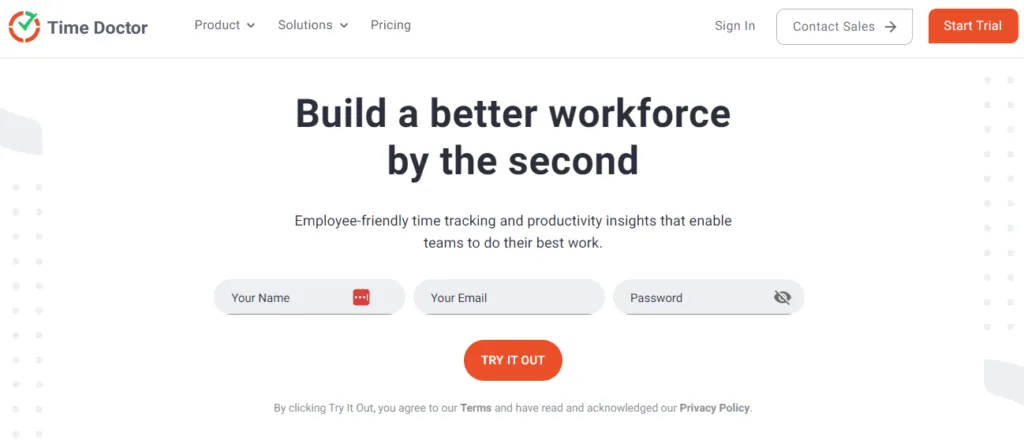
Love it or hate it, time tracking is a necessary evil in the world of remote work. Enter TimeDoctor. It’s a fully customizable time-tracking solution that allows managers to turn features on and off as needed for their team members.
To put it bluntly, it will allow you as a manager to dial the micromanagement factor up or down as needed.
On the employee side, they’ll be able to gain valuable insight into their own work habits and identify areas that need improvement. It’s a great tool for time-blocking, allowing them to track their time by project and task as granularly as they’d like.
In short, it’s an affordable, easy-to-use tool for helping you keep your remote team on task and as productive as possible. And it’s one your team members won’t entirely hate.
Chat and video for teams that never share a room
Collaboration and communication are imperative for any organization, whether remote or in-office. Traditional collaboration, however, assumes that all employees are located in the same space.
Think whiteboards, daily stand-ups, and sprint reviews.
So how can remote managers promote clear communication and a highly collaborative environment when workmates aren’t simply a desk or a conference room away?
Fortunately for us, remote communication and collaborative tools are some of the most thoroughly tested, widely developed tools available.
Here are some of the top picks for keeping your remote employees in touch.
Zoom

Perhaps you’ve heard of it.
Zoom has become its own verb, much like proprietary eponyms Google (“Let me Google that”) and Kleenex (“pass me a Kleenex”).
“I’m on a Zoom!” is the phrase whisper-shouted by frustrated parents to interrupting children across the world these days, regardless of the video conferencing platform they’re actually using.
Zoom’s standing as the leading video conferencing tool in the marketplace goes beyond just early, widespread adoption. It’s widely recognized as being one of the most reliable, user-friendly video conferencing platforms available, and it’s kept that position even as Microsoft Teams and Google Meet have closed the gap.
Slack
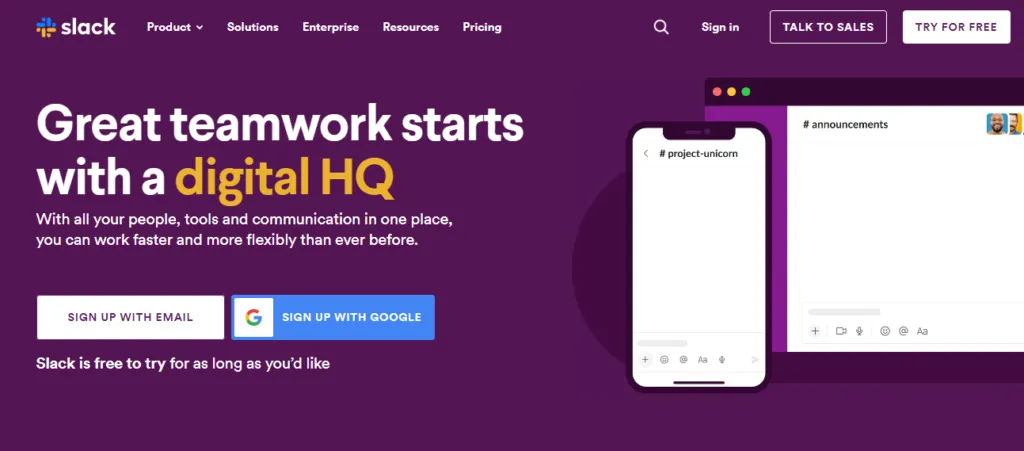
This application is the undisputed king of collaborative tools, and much like Zoom, it has become a household name.
Slack is, at its core, an online chatroom fueled by a limitless number of integrations and apps. From file sharing, brainstorming, and private messaging to making calls, video conferencing, scheduling, and everything in between, Slack is the hub that connects every aspect of your team’s day-to-day operations.
Touted as “a better way to communicate” and an alternative to email, Slack prides itself on being “a place where people get work done, together.”
Microsoft Teams

For a large share of companies this decision is already made, because Teams comes bundled with the Microsoft 365 licence the business is paying for anyway. That is the honest reason it is on this list: not that it beats Slack and Zoom on merit, but that it is free at the point of use for anyone already inside that ecosystem, and it does chat, video and file sharing competently in one place.
If you are choosing rather than inheriting, the question is whether the tighter Office integration is worth more to you than Slack’s integration ecosystem. For teams that live in Word, Excel and SharePoint it usually is. For teams that live in everything else it usually isn’t.
Troop Messenger
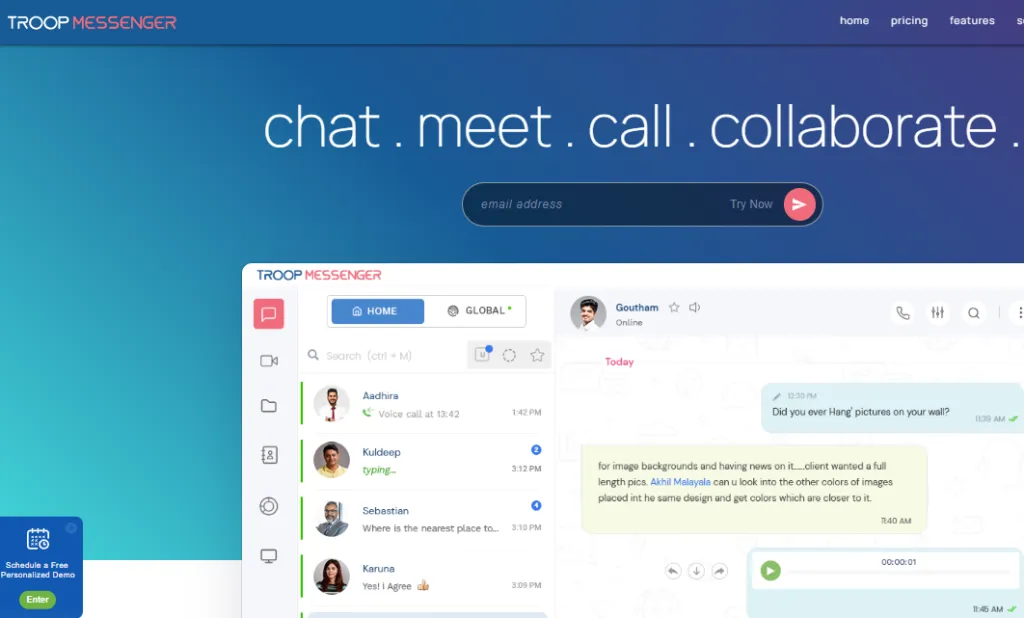
Considered by some to be a simpler alternative to Slack, Troop Messenger functions in much the same way. Your team can interact in real-time via instant messaging, video conferencing, audio calls, file sharing, and much more.
In addition, you can add suppliers, vendors, freelancers, and other semi-permanent members of your organization as needed with restricted access. Like other tools, Troop Messenger also features all of the essential app integrations you’d expect like Dropbox and Google Drive.
Recognition when nobody sees anybody work
Perhaps one of the biggest challenges faced by managers of remote teams is helping their direct reports feel like part of a cohesive team. After all, it’s easy to start to feel like an island at work when you’re working solo.
Or perhaps your home office is on an actual island, in which case we salute you.
Wherever your team members happen to create their home offices, helping them feel seen, heard, and keeping them engaged is one key ingredient that simply can’t be overlooked in the recipe for a successful virtual work environment.
Here are a few great tools to do just that.
HeyTaco
HeyTaco is in the business of creating a positive culture of recognition in the workplace. Through a simple peer-to-peer system where team members give each other virtual tacos to say thanks, it helps your top talent get the recognition they deserve and provides a fun way to keep your team engaged and feeling valued.
Gamification features like leaderboards and a rewards system that lets your remote team members turn their tacos into real perks make HeyTaco a no-brainer when it comes to leading happy remote teams.
Officevibe
What good is your rewards system if you’re not having a measurable impact on your team’s happiness? That’s where Workleap Officevibe comes into the picture, sold under the Workleap name since the rebrand and still widely called by its original one.
The magic is in its foolproof, straightforward approach. It allows your team members to voice their concerns, and managers to get actionable feedback.
Each week your employees will receive a short pulse survey asking them how they feel about work that week, with space to write their own feedback. Managers then get an anonymous summary report showing how the team is feeling, plus actionable insight straight from the responses.
Which of these tools include AI, and which charge extra
This is the biggest change in the category since most roundups of it were written, and it moves the pricing maths more than the feature lists do.
Meeting summaries, action item extraction and searchable transcripts are now standard rather than premium. What differs is where each vendor puts them in the pricing table, and the two biggest names have gone opposite ways.
Zoom bundles it. AI Companion comes with paid Zoom Workplace plans at no extra cost, and the 2025 release added agentic features that act across connected apps rather than just summarising the call afterwards. If you already pay for Zoom, you already have it.
Slack gates it. The entry paid tier gives you messaging; the advanced AI sits a tier higher. So Slack’s cheaper-looking base price stops being cheaper the moment AI is something you actually want, which is worth modelling before you assume the two are priced similarly.
Knowledge bases got the most out of it. Guru and ProProfs both use AI for retrieval and for flagging content that has gone out of date, which addresses the real failure mode of any team wiki: not that people cannot find the answer, but that the answer they find is two years old and nobody noticed.
Prices in this category move every few months, so check the current tables rather than any figure quoted in an article, including this one. The structural point is what lasts: compare tools on the tier that actually includes the AI you want, not on the headline price.
Building your own remote team management stack
No two remote teams are the same, and what works for one industry or team may not work for another. Fortunately, the list of tools and apps to choose from is practically endless. Start with one tool per category above, knowledge base, productivity tracking, communication, and recognition, rather than trying to adopt all ten at once.